
Microsoft has officially rebranded its flagship Office productivity suite into the Microsoft 365 Copilot app, a major shift aimed at bringing artificial intelligence (AI) to the center of its productivity tools. The change reflects a broader strategy to make AI assistance a seamless part of everyday work across devices and platforms.
What Changed?
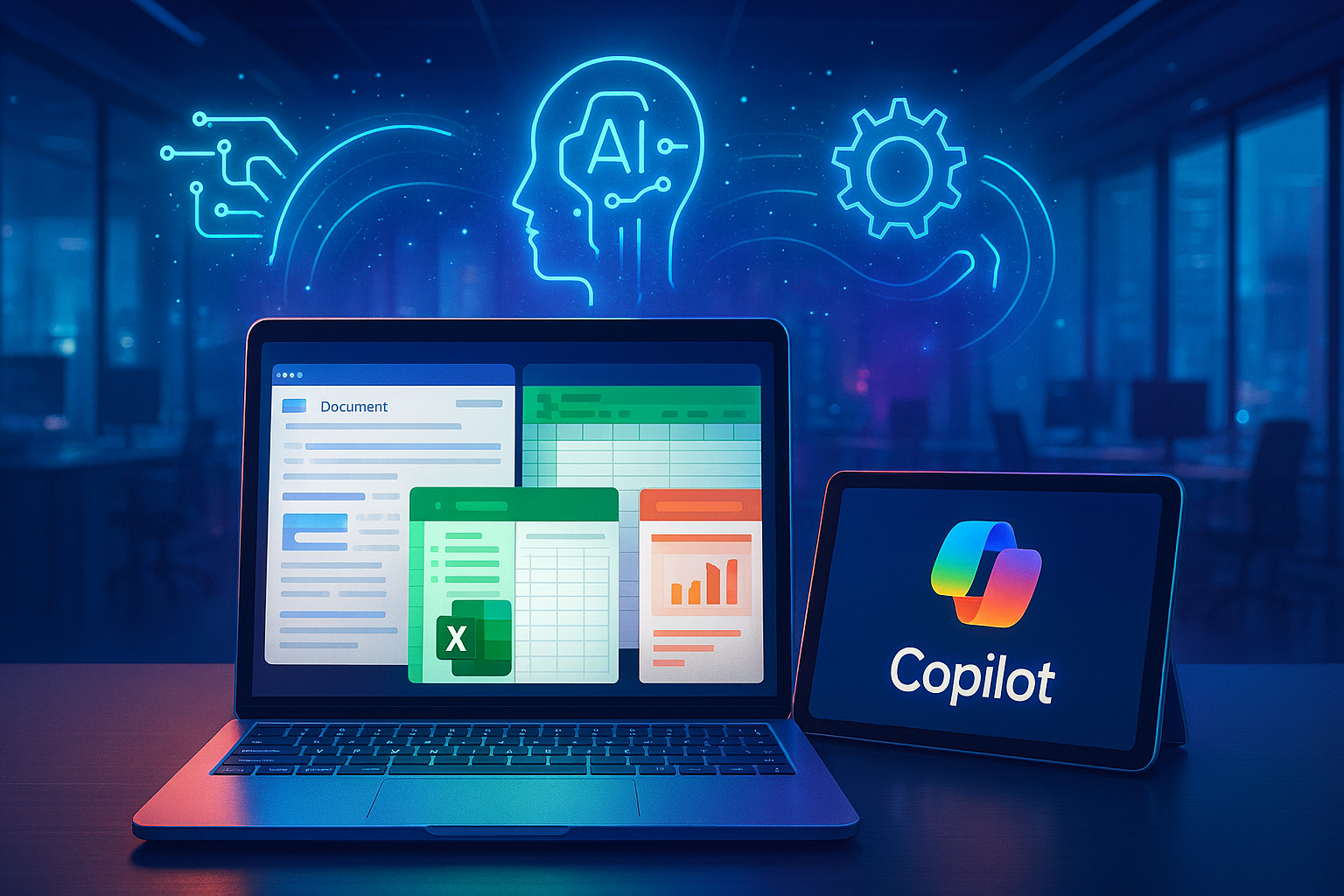
The well‑known Microsoft Office app, the hub that launched Word, Excel, PowerPoint, Outlook, and other core productivity tools is now named the Microsoft 365 Copilot app across web, desktop, and mobile platforms. The app has a fresh icon and interface designed to highlight the role of Copilot, Microsoft’s built‑in AI assistant, which remains deeply integrated within the productivity experience.
Despite the new name and branding, the core functionality of the productivity tools remains intact: users still create documents, spreadsheets, presentations, and manage email and files as they did before. What’s different is how AI features are presented and accessed.
Why Microsoft Made This Move
Microsoft’s goal with this rebranding is to position AI as a default part of productivity workflow rather than an optional add‑on. By putting Copilot front and center, the company aims to help users generate content, summarize information, analyze data, and manage tasks more efficiently using natural language prompts and intelligent automation.
For example:
- Copilot can help draft and refine documents in Word
- Generate insights and trends from data in Excel
- Provide creative bursts for slides in PowerPoint
- Assist with emails and information synthesis in Outlook
These capabilities are designed to streamline routine work and let users focus on higher‑value tasks.
User Reactions and Challenges
The rebranding has generated significant discussion online. Some users welcome the tighter integration of AI and productivity tools, while others criticize the change for being confusing or driven more by marketing than necessity. Privacy concerns have also emerged, especially around AI features that interact with user data and context.
Visual changes and the new Copilot‑centric interface have elicited mixed responses, especially from long‑time Office users who were accustomed to the original names and icons.
What This Means for the Future
This rebranding signals Microsoft’s broader strategy to weave AI more tightly into its ecosystem. By making the Copilot experience the gateway to productivity tools, Microsoft is betting that AI will not only assist but become a central component of how work gets done from ideation and collaboration to execution and review.
Whether users fully embrace this AI‑first approach remains to be seen. But one thing is clear: Microsoft is steering the classic Office experience into a future where generative AI plays a much larger role in everyday productivity tasks.
For more tech news, check out our Tech News section.